
UTM Taxonomy Checklist for Clean Attribution
Downloadable checklist: paid‑social UTM naming, GA4 event requirements, click‑ID persistence, and Klaviyo flow crediting — practical steps to unify ROAS across Meta, TikTok, and Google.
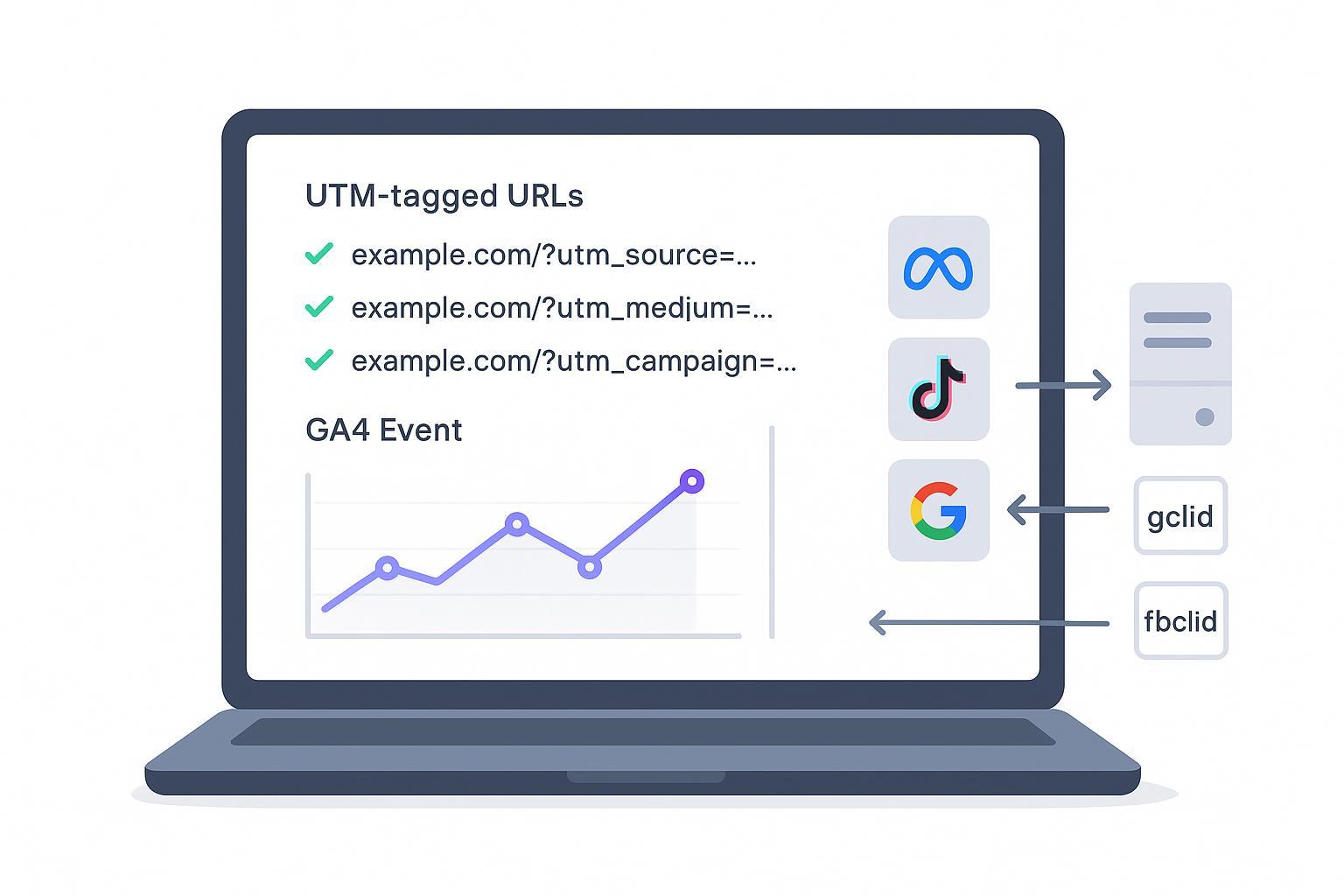
Clean attribution isn’t luck—it’s the result of disciplined taxonomy. If you want unified, trustworthy ROAS across Meta, TikTok, and Google, you need consistent UTM standards and complete event payloads that platforms and GA4 can read without guesswork.
Key takeaways
Standardize paid‑social UTMs so GA4 classifies traffic correctly and your ROAS compares apples to apples.
Capture and persist click IDs (gclid, fbclid/fbc/fbp, ttclid, msclkid) and mirror them server‑side for resilience and deduplication.
Use a complete GA4 ecommerce event taxonomy with unique transaction_id and rich items[].
Credit email flows reliably by forwarding consent‑aware server events to Klaviyo.
Enforce taxonomy with guardrails and link QA; automate wherever possible to maintain clean attribution.
One‑page QA checklist
Link QA
Preview every ad URL. Confirm utm_source, utm_medium, utm_campaign. Add utm_content for creative and utm_term for audience.
For TikTok/Meta, verify macros resolve to names/IDs on test clicks.
Ensure lowercase, hyphen or underscore delimiters, no spaces/special characters.
Click IDs and persistence
Confirm gclid/fbclid/ttclid/msclkid appear on landing and persist through checkout.
Mirror click IDs to the server; deduplicate with a shared event_id across client and server.
GA4 payload sanity
Purchase includes transaction_id, currency, value, and a complete items[] array.
Add_to_cart includes currency and items[] with item_id and item_name.
Verify values sum correctly; no missing brand/category/variant where available.
Foundations: UTM taxonomy for clean attribution on paid social
A consistent UTM taxonomy for clean attribution ensures GA4’s default channel grouping classifies traffic as Paid Social and keeps ROAS comparable. Use canonical values and clean naming hygiene.
Required parameters: utm_source, utm_medium, utm_campaign
Recommended: utm_content (creative), utm_term (audience)
Hygiene: all lowercase; use hyphen or underscore; avoid spaces & special characters; keep names short and unique.
Canonical values and examples
utm_source: meta, facebook, instagram, tiktok
utm_medium: paid_social (preferred), cpc, ppc, cpm
utm_campaign: campaign-key (e.g., spring-sale-20off)
utm_content: creative-key (e.g., ugc-video-hero-01)
utm_term: audience-key (e.g., lla-1pct-purchasers)
Example URL for TikTok ad
https://brand.com/products/widget?utm_source=tiktok&utm_medium=paid_social&utm_campaign=spring-sale-20off&utm_content=ugc-video-hero-01&utm_term=lla-1pct-purchasers
Platform macros (TikTok examples)
Use Ads Manager macros to auto-populate: CAMPAIGN_NAME, CAMPAIGN_ID, AID_NAME, ADID_V2_NAME, PLACEMENT.
Confirm macros resolve correctly on test clicks to avoid Unassigned traffic.
Why canonical values matter
GA4’s default channel grouping logic relies heavily on source and medium. Recognized mediums like paid_social help GA4 classify sessions consistently and prevent noisy attribution. See Google’s official schema for how source/medium feed channel grouping in the GA4 reporting API schema. TikTok’s help center outlines UTM parameter usage and macros for reliable tagging.
Campaign, adset, and ad naming templates
Consistent names enable faster QA and simpler filtering across Meta and TikTok. Keep structures tight and descriptive.
Recommended patterns
Campaign:
objective-market-offer-version→purchases-us-spring-sale-v1Adset:
audience-geo-placement→lla-1pct-us-feedAd:
creative-format-variant→ugc-video-hero-01
Regex guardrails
Allowed characters: lowercase letters, digits, hyphen, underscore
Regex:
^[a-z0-9_-]{3,80}$
Copy‑paste UTM builder snippet
source=<meta|tiktok>
  medium=paid_social
  campaign=<objective-market-offer-version>
  content=<creative-format-variant>
  term=<audience-geo-placement>
QA tip
Before launch, export all ad names and UTMs from the platform and run a quick validation against your regex. Reject and fix any names with spaces or uppercase letters.
Event taxonomy for GA4 ecommerce
Clean attribution depends on complete, consistent event payloads. Use the required events and include mandatory parameters.
Required events
view_item
add_to_cart
begin_checkout
add_shipping_info
add_payment_info
purchase
refund
Minimum payload expectations
add_to_cart: currency, items[] with item_id and item_name; value recommended.
purchase: transaction_id (unique), currency, value, items[] containing item_id, item_name, brand, category, variant, price, quantity, discount where applicable.
Example payloads
Add to cart
gtag('event', 'add_to_cart', {
    currency: 'USD',
    value: 59.99,
    items: [{
      item_id: 'SKU-123',
      item_name: 'Performance Tee',
      brand: 'BrandX',
      category: 'Apparel',
      variant: 'Blue-M',
      price: 59.99,
      quantity: 1
    }]
  });
Purchase
gtag('event', 'purchase', {
    transaction_id: 'ORD-987654',
    currency: 'USD',
    value: 119.98,
    items: [{
      item_id: 'SKU-123',
      item_name: 'Performance Tee',
      brand: 'BrandX',
      category: 'Apparel',
      variant: 'Blue-M',
      price: 59.99,
      quantity: 2,
      discount: 0
    }],
    shipping: 0,
    tax: 0
  });
Why completeness matters
Google’s documentation details ecommerce setup and item‑scoped parameters. Incomplete payloads break funnel analysis and cause misattribution. See GA4 ecommerce setup guides and item‑scoped ecommerce parameters.
Email flow crediting in Klaviyo
For reliable email revenue crediting, forward consent‑aware server events to Klaviyo and align identifiers.
Events and attribution
Checkout Started: triggered when an email is entered at checkout; drives Abandoned Cart flows; includes $value and Items.
Placed Order: triggered on order completion; credits revenue to flows/campaigns via $value and Items.
Mapping notes
Identify customers with hashed email or external_id consistent across web and server.
Mirror ecommerce events to Klaviyo so flows can attribute correctly.
Klaviyo’s help center explains how Checkout Started and Placed Order power flow attribution and how analytics credit revenues to flows and campaigns, with additional guidance in flow analytics and troubleshooting.
Enforcement and QA via guardrails
Disclosure: Attribuly is our product.
A pragmatic way to keep taxonomy clean is to combine template guardrails, link QA, and server‑side tracking. For example, you can define required UTMs for paid social, validate ad links pre‑launch, and mirror click IDs server‑side for deduplication. Attribuly’s resources outline server‑side approaches for Shopify, including hashing identifiers and verifying webhooks; see Shopify server‑side tracking guidance and the Shopify GA4 attribution checklist. For privacy and signal changes on iOS, review the iOS 26 tracking mitigation playbook.
Practical example
Auto‑apply UTM guardrails: Preconfigure canonical source and medium (e.g., meta/tiktok + paid_social) in your link builder. Block uppercase and spaces.
Link QA: Run a pre‑launch script to validate macros and ensure utm_campaign/utm_content/utm_term exist.
Server‑side mirroring: Capture gclid/fbclid/ttclid on landing, persist in first‑party storage, and include a shared event_id across client and server events to deduplicate.
Governance cadence
Keep standards alive with lightweight, regular checks.
Weekly spot checks: 30 minutes to review new campaigns for naming hygiene, UTM completeness, and click ID persistence.
Monthly taxonomy audit: Inventory utm_campaign values, consolidate duplicates, check GA4 payload completeness and transaction_id uniqueness.
Quarterly deep review: Consent propagation, hashed identifiers, match quality in Meta/TikTok, refund handling, and cross‑device stitching.
Appendix: Copy‑paste templates and validators
UTM template
?utm_source=<meta|tiktok>&utm_medium=paid_social&utm_campaign=<objective-market-offer-version>&utm_content=<creative-format-variant>&utm_term=<audience-geo-placement>
Canonical dictionary starters
sources: [meta, facebook, instagram, tiktok]
  mediums: [paid_social]
  creative_formats: [ugc-video, studio-video, static-image, carousel]
  audiences: [lla-1pct-purchasers, interests-athleisure, retarget-7day]
Regex validators
name: ^[a-z0-9_-]{3,80}$
  value: ^[a-z0-9][a-z0-9_-]*$
Mini GA4 mapping CSV
event,required_params
  view_item,items[]
  add_to_cart,currency|items[]|value(optional)
  begin_checkout,items[]|value(optional)
  add_shipping_info,shipping_tier(optional)
  add_payment_info,payment_type(optional)
  purchase,transaction_id|currency|value|items[]
  refund,transaction_id|value(optional)
Server‑side pseudocode for click ID mirroring
onLanding(urlParams):
    ids = { gclid, fbclid, ttclid, msclkid } from urlParams
    for each id in ids if present:
      storeFirstPartyCookie(id, ttl=360d)
      attachToSession(id)

  onEvent(event):
    payload = enrichWithStoredClickIds(event)
    payload.event_id = stableUUIDFrom(order_id or cart_id)
    sendToPlatformClient(event)
    sendToPlatformServer(payload) // dedup via shared event_id
Next steps
If you need help operationalizing these guardrails and QA checks, you can adapt the templates above or explore a server‑side approach with a neutral implementation partner. For deeper walkthroughs, review the linked resources and consider a short proof of concept to validate clean attribution end‑to‑end.