
Server-Side Tracking for E-Commerce: Beginner Guide
Plain-English beginner guide to server-side tracking for e-commerce—understand Meta CAPI, Google Enhanced Conversions, and a Shopify+Klaviyo walkthrough to recover abandoned carts.
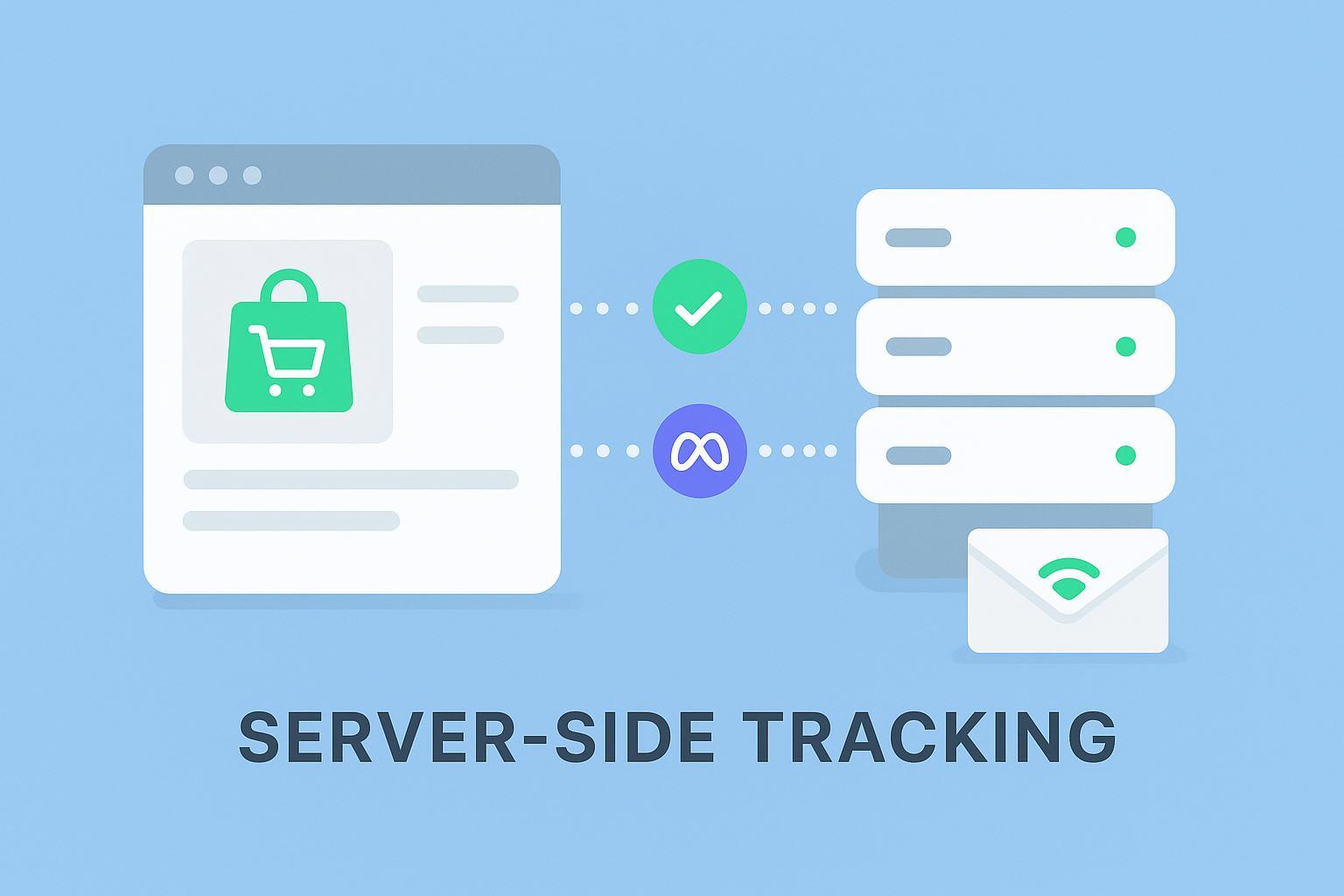
If you’ve felt measurement get shakier after iOS privacy changes, consent prompts, and ad blockers, you’re not alone. The common myth is that “server‑side tracking is only for big brands.” In reality, it’s a deployment pattern any growth‑oriented store can use to stabilize attribution, respect consent, and keep ads bidding on trustworthy signals. Think of it like moving key event reporting from a noisy sidewalk (the browser) into a quieter back office (your server) where you can control what’s sent and when.
Key takeaways
Server‑side tracking for e‑commerce helps recover lost signals, improve data reliability, and maintain privacy controls without requiring enterprise budgets.
Meta Conversions API (CAPI) complements the Pixel via deduplication using shared event IDs; Google Enhanced Conversions uses hashed first‑party data and Consent Mode v2 adapts behavior under granted/denied consent.
A practical quick win: Shopify + Klaviyo can trigger “Added to Cart” abandoned‑cart flows more consistently when events are available server‑side and consent is respected.
Decide using a simple checklist: if you see blocked pixels, low match quality, cross‑device gaps, or consent denials, you likely need a hybrid browser+server setup now.
Fundamentals: what “server‑side” means (in plain English)
Client‑side tracking relies on pixels and tags in the browser. These can be blocked, limited by cookies, or withheld until the shopper grants consent. Server‑side tracking sends events from your server directly to platforms. You choose what identifiers to include (e.g., hashed email), how to respect consent, and which events to forward. The result is fewer missing conversions and better control.
If you run Shopify, a hybrid approach is typical: keep essential browser events for on‑site analytics and user experience, while forwarding confirmed conversions server‑side with consent state attached. For deeper “how‑to,” see the neutral implementation overview in Attribuly’s How to Set Up Shopify Server‑Side Tracking.
Do you need it now? A quick diagnostic
Are your ad platforms undercounting conversions due to ad blockers or consent denials?
Do you struggle to attribute conversions from short‑form video ads (Meta/TikTok) reliably?
Is your Meta Event Match Quality low or unstable week to week?
Do modeled conversions appear in Google Ads but bidding feels erratic?
Are cross‑device journeys (mobile browse → desktop buy) breaking your attribution?
Have you noticed duplicate or missing events with Pixel‑only setups?
Do you need tighter privacy control over which identifiers are sent and when?
Is your team ready for a small, staged rollout rather than a full rebuild?
If you answered “yes” to three or more, adopting a browser+server setup is likely worthwhile now.
Meta Conversions API in plain English
Meta CAPI lets you send events server‑to‑server, complementing the Meta Pixel. When both report the same action, Meta uses deduplication: you generate a unique event_id in the browser and pass the identical value in the server payload. Meta identifies duplicates by matching event_name + event_id. See Meta’s guidance on original events and deduplication in Meta’s parameter reference for original‑event and event_id.
A compact example:
{
    "data": [{
      "event_name": "Purchase",
      "event_time": 1712248396,
      "event_id": "uuid-123-abc",
      "action_source": "website"
    }]
  }
In the browser, send the matching eventID:
fbq('track', 'Purchase', { value: 59.99, currency: 'USD' }, { eventID: 'uuid-123-abc' });
To improve matching, include hashed identifiers and context (e.g., email/phone hashed with SHA‑256, IP, user agent, and Meta’s fbp/fbc values). Meta documents fbp/fbc parameters in fbp and fbc guidance. For a neutral implementation overview, see server‑side CAPI setup.
Google Enhanced Conversions + Consent Mode v2: the basics
Enhanced Conversions use hashed first‑party identifiers (like email) so Google can better connect clicks to conversions when direct cookies aren’t available. Consent Mode v2 adds two consent signals—ad_user_data and ad_personalization—alongside ad_storage and analytics_storage. Under “basic” mode, tags wait for explicit consent before loading; under “advanced,” tags send cookieless pings when denied and full data when granted, enabling more robust modeling. See Google’s Consent Mode concepts and Enhanced Conversions for web.
For a neutral implementation overview, see Attribuly’s Google Ads Integration.
Practical walkthrough: Shopify + Klaviyo to recover more cart‑abandoners
Klaviyo’s automatic “Added to Cart” event (via Shopify’s server pixel) enables earlier, more reliable abandoned‑cart flows—especially when client‑side scripts are blocked. Start by ensuring shoppers are identified (e.g., submit an email form, log in, or enter email at checkout). Then add an item to cart and confirm the “Added to Cart” metric appears in Klaviyo. Build an abandoned‑cart flow with a sensible filter like “Placed Order zero times since starting the flow” to prevent duplicates. Respect regional consent by gating event collection according to Shopify’s Customer Privacy API.
For step‑by‑step references, see Klaviyo’s migration guide for automatic Added to Cart and Shopify’s Customer Privacy API.
QA checklist and a 14‑day measurement plan
Meta: Use Events Manager Test Events. Trigger a test purchase with Pixel + CAPI and verify duplicates are deduped (matching event_id). Monitor Event Match Quality and coverage.
Google: In Tag Assistant, confirm consent flags (ad_storage, analytics_storage, ad_user_data, ad_personalization). In Google Ads, check Enhanced Conversions diagnostics and note modeled vs. observed conversions.
Shopify + Klaviyo: Confirm identification before “Added to Cart.” Validate the flow triggers and confirm no overlapping native Shopify abandoned‑cart emails.
Sampling plan: For 14 days, track total purchases, observed conversions in platforms, and modeled conversions where applicable. Look for fewer unattributed orders and steadier bidding behavior.
Product‑safe micro‑example: a neutral server‑side pattern with Attribuly
Disclosure: Attribuly is our product.
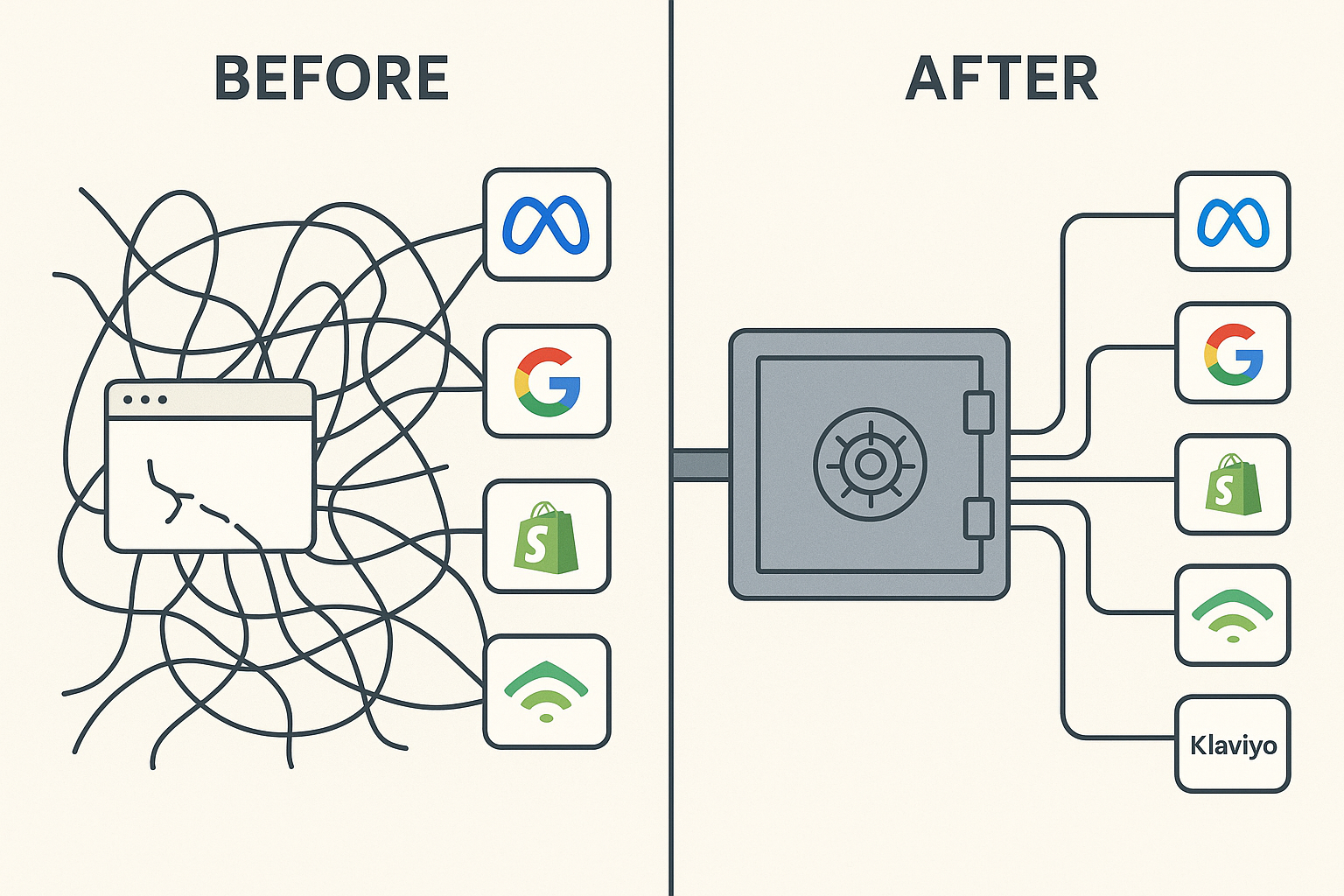
Here’s one way a server‑side pipeline can work in practice without fanfare. A Shopify store forwards checkout events to a lightweight server endpoint. The server applies consent logic first, then enriches the payload with an event_id (generated in the browser) and hashed identifiers when permitted. From there, it forwards to Meta CAPI with event_name + event_id for deduplication and includes fbp/fbc when available, and it sends hashed email for Google Enhanced Conversions where consent allows. The same pipeline can also create a server‑side “Added to Cart” signal that appears in Klaviyo, improving the odds that an abandoned‑cart flow triggers even when browser scripts fail. For a neutral destination overview, see Meta (Facebook) destination — server‑side tracking.
Short glossary (beginner‑friendly)
Server‑side tracking — Sending events from your server to platforms for reliability and privacy control.
Client‑side tracking — Browser pixels/tags that can be blocked or gated by consent.
Pixel — A small script that logs user actions (e.g., Meta Pixel, GA tag).
Event ID (event_id) — A unique identifier used to deduplicate browser + server events.
Match keys — Identifiers (hashed email/phone, IP, user agent, fbp/fbc, external_id) that improve matching in ad platforms.
Enhanced Conversions — Google feature using hashed first‑party data to improve conversion measurement.
Consent Mode v2 — Google framework that adapts tag behavior under granted/denied consent; adds ad_user_data and ad_personalization.
Modeled conversions — Estimates used when direct tracking is limited; platforms label them separately from observed conversions.
Helper snippets (copy‑paste starters)
Generate a UUID‑style event ID (example only):
// Browser: simple UUID v4 generator for eventID
  function uuidv4() {
    return 'xxxxxxxx-xxxx-4xxx-yxxx-xxxxxxxxxxxx'.replace(/[xy]/g, function(c) {
      const r = (Math.random() * 16) | 0, v = c === 'x' ? r : (r & 0x3) | 0x8;
      return v.toString(16);
    });
  }
  const eventID = uuidv4();
  fbq('track', 'Purchase', { value: 59.99, currency: 'USD' }, { eventID });
Hash an email for Google Enhanced Conversions (normalize, then SHA‑256):
// Node.js example: normalize and hash email with crypto
  const crypto = require('crypto');
  function normalizeEmail(email) {
    const e = email.trim().toLowerCase();
    // For Gmail, optionally remove dots in the local part if desired
    const parts = e.split('@');
    if (parts[1] === 'gmail.com') parts[0] = parts[0].replace(/\./g, '');
    return parts.join('@');
  }
  function sha256(input) {
    return crypto.createHash('sha256').update(input).digest('hex');
  }
  const hashedEmail = sha256(normalizeEmail('customer@example.com'));
Send a simple server‑side event (illustrative POST):
// Node.js/Express: forward a purchase to Meta CAPI (illustrative)
  const fetch = require('node-fetch');
  app.post('/purchase', async (req, res) => {
    const { event_id, timestamp } = req.body; // event_id should match the browser eventID
    const payload = {
      data: [{
        event_name: 'Purchase',
        event_time: Math.floor(timestamp / 1000),
        event_id,
        action_source: 'website'
      }]
    };
    const r = await fetch('https://graph.facebook.com/v19.0/<PIXEL_ID>/events?access_token=<TOKEN>', {
      method: 'POST',
      headers: { 'Content-Type': 'application/json' },
      body: JSON.stringify(payload)
    });
    res.status(200).json({ ok: true });
  });
Next steps
Evaluate your measurement gaps against the diagnostic above. If three or more items resonate, start a small browser+server rollout: stabilize Meta with event_id deduplication, enable Google Enhanced Conversions with proper hashing, and verify Shopify + Klaviyo “Added to Cart” flows under consent. If you prefer a neutral implementation reference, Attribuly’s guides can help you assess fit without committing.