
2026 Shopify Abandoned Cart Rate Checklist
Advanced 2026 checklist to diagnose Shopify abandoned cart rate spikes—privacy (Consent Mode v2, iOS 17 LTP), GA4/sGTM parity, CWV budgets, checkout & app fixes.
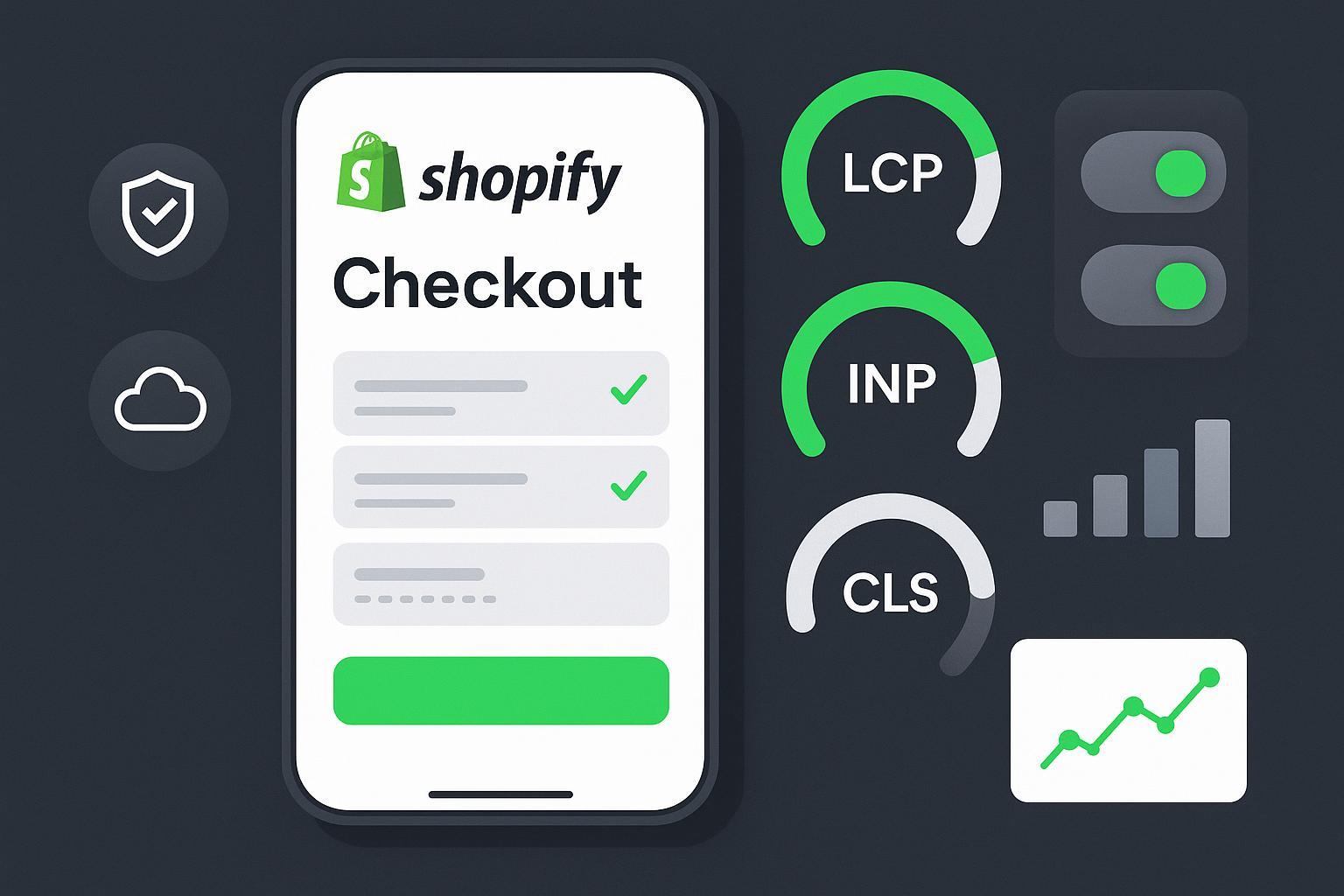
When your dashboard shows a sudden jump in abandoned carts, is it real shopper friction—or a measurement illusion? In 2026, privacy shifts (iOS 17 Link Tracking Protection) and consent frameworks (Google Consent Mode v2) can fragment sessions and under-attribute purchases, making the Shopify abandoned cart rate look worse than it is. This diagnostic checklist helps you separate signal from noise and fix what actually needs fixing.
Key takeaways
Privacy and consent misconfigurations can inflate the apparent Shopify abandoned cart rate by breaking attribution continuity; validate Consent Mode v2 states and Safari/iOS cohorts first.
Confirm analytics parity before UX surgery: reconcile Shopify Orders with GA4 and check Google Ads’ Consent Mode uplift panels to understand modeled vs observed conversions.
Use hard performance thresholds for checkout pages—treat INP, LCP, and CLS like budgets and compare your customized checkout to the Shop Pay baseline.
Custom checkout extensions, payment sprawl, or app/script conflicts often add invisible friction; isolate with feature flags, rollback plans, and load-order checks.
Filter out bots/ghost carts from analytics and recovery flows to avoid polluting the Shopify abandoned cart rate and remarketing audiences.
Pre-checks and baselines (15–30 minutes)
Start with measurement integrity. First, reconcile the last 24–72 hours of Shopify Orders with GA4 purchase events. You’re not trying to force them to match exactly—modeling, attribution windows, and refund timing differ—but you’re checking for glaring gaps. If GA4 looks light while ad platforms claim normal or higher conversions, you may be seeing consent-driven under-attribution rather than real abandonment.
Open Google Tag Assistant and verify that default consent states are denied until user action and that changes propagate within a reasonable window (for example, a brief wait_for_update rather than prolonged tag blocking). In denied states, tags should still send cookieless pings for modeling—if those are missing, modeled conversions won’t backfill properly.
Run a quick field snapshot for checkout URLs using PageSpeed Insights (CrUX view) to see whether LCP, INP, and CLS pass at the 75th percentile on mobile. If performance recently regressed—theme change, new app, or checkout customization—behavioral abandonment might be real. If performance is steady but conversions look lower, keep digging into privacy and consent next.
Incident triage: Privacy and consent checks for a trustworthy Shopify abandoned cart rate
Consent Mode v2 (GCMv2) governs how Google tags behave under different consent states. Confirm the presence and transitions of ad_storage, analytics_storage, ad_user_data, and ad_personalization. Use the official consent debugging workflow to ensure cookieless pings fire when consent is denied and that tags don’t remain blocked past your banner’s update window. Google Ads’ Conversions Diagnostics panel surfaces modeled uplift after sufficient volume and time, which helps explain why Ads might show more conversions than GA4 under consent constraints. See Google’s own guidance in About consent mode and Consent debugging to align your checks.
On the Apple side, understand what iOS 17 Link Tracking Protection actually changes. Apple documents that LTP removes tracking identifiers in links in Messages and Mail and in Safari Private Browsing; normal Safari browsing isn’t universally stripped. Still, if a larger share of your traffic enters via those surfaces, you’ll see more “direct” in analytics and session fragmentation that can inflate the apparent Shopify abandoned cart rate without any checkout change. Cross-check these cohorts before assuming a UX regression. Authoritative details are in Apple’s iOS 17 update notes and WebKit’s Private Browsing 2.0 engineering post.
References in this section:
Apple/WebKit on LTP scope and behavior: Apple iOS 17 updates and WebKit’s Private Browsing 2.0 (2023–2024) — descriptive anchors provided below.
Google on Consent Mode v2 parameters and debugging — descriptive anchors provided below.
Incident triage: Analytics and server-side parity
Next, ensure your instrumentation isn’t creating ghosts. In GA4 DebugView, trace a clean journey from view_item to begin_checkout to add_payment_info to purchase. Look for duplicated or missing events, odd client_id changes between steps, and consent control signals arriving late. In Tag Assistant, verify tag firing order and that consent updates unblock tags promptly.
If you run server-side GTM (sGTM) or hybrid tagging, confirm that all ecommerce conversions route through your server container and that you haven’t left parallel client-side conversions enabled. Duplicated purchases are easier to spot than suppressed ones—so also test denial flows to confirm cookieless pings and Ads-side modeling. Google’s Tagging best practices, server-side send-data docs, and GA4 Ecommerce guides outline the intended paths and deduplication patterns.
Practical workflow example (one-time brand disclosure)
A pragmatic way to reconcile iOS/Safari gaps is to pair client-side consent-aware tagging with server-side event receipts and nightly Shopify-versus-analytics parity alerts. A unified attribution and audience-sync tool can help mirror purchase events under consent constraints and feed high-intent segments to your ESP and ad platforms for recovery—while keeping measurement resilient. Disclosure: Attribuly is our product. Learn more on the Attribuly site: unified attribution and audience-sync.
Incident triage: Performance and Core Web Vitals
Treat the checkout like a performance-critical application. The current field pass thresholds are well established: LCP ≤ 2.5s, INP ≤ 200ms, CLS ≤ 0.1 at the 75th percentile on mobile. Use field data (CrUX via PageSpeed Insights) to verify reality and lab tools (Lighthouse, DevTools performance) to find long tasks, render-blocking scripts, and layout shifts.
Metric | 2026 target (field, P75) | Why it matters at checkout |
|---|---|---|
LCP | ≤ 2.5s | Perceived speed to core content (cart/checkout header); slow LCP raises early exits |
INP | ≤ 200ms | Input responsiveness for form fields, wallet selection, and buttons |
CLS | ≤ 0.1 | Prevents jarring shifts that cause mis-taps on payment/submit |
If your customized checkout fails these budgets while the Shop Pay path passes, your customization likely adds overhead. Shopify’s own pages report that Shop Pay’s accelerated checkout improves speed and conversion compared with guest checkout and other wallets; treat those as Shopify-reported claims and use Shop Pay as a performance baseline in your A/B diagnostics. The goal isn’t to remove customizations outright, but to meet CWV budgets with them enabled—or gate them behind feature flags when they can’t.
Authoritative starting points: Google’s web.dev coverage of Core Web Vitals and the Chrome team’s CrUX/PSI documentation.
Incident triage: Checkout UX and payments
Friction compounds quickly at checkout. Keep the express wallets visible and working (Shop Pay, Apple Pay, Google Pay), then minimize additional steps introduced by Checkout Extensibility. If you’ve added custom validation or extra upsell steps, instrument their impact on INP and completion rate. Use Shop Pay as your baseline A/B arm; it’s the fastest path and a sanity check on whether friction is coming from your custom flow. Shopify’s own pages summarize Shop Pay advantages; use those as context rather than universal guarantees.
Payment preferences matter, too. Baymard’s research highlights that customers abandon when preferred payment methods are missing or when payment feels insecure. That’s your cue to present trustworthy payment UIs, recognizable logos, clear error copy, and no surprise redirects. Be careful with BNPL sprawl—if you add multiple providers or display choices too early, you can create choice overload. Test placement and limit options where they don’t demonstrably help.
Incident triage: Apps, load order, and bots
Apps and scripts can collide in subtle ways—especially around checkout. Any recent addition or update that touches the cart or payment steps deserves suspicion. Validate load order, ensure deprecated scripts are removed, and confirm that Checkout UI extensions are compatible and published correctly. Maintain a feature-flag and rollback plan so you can isolate a problematic extension quickly. Shopify’s developer docs and community threads are full of incidents where a theme tweak or app conflict froze the cart or delayed payment submission; treat your production checkout as a strictly budgeted runtime.
Don’t ignore ghost carts. Bursts of add_to_cart from rotating IPs, repeated checkout starts with nonsensical addresses, or high-risk user agents can inflate the Shopify abandoned cart rate and corrupt remarketing. Use your CDN’s bot defenses (for example, Cloudflare bot scores) and Shopify’s fraud prevention controls to rate-limit, challenge, or exclude likely bots. In analytics and recovery automations, segment these out so they don’t skew decision-making or waste budget.
Post-fix validation and regression guards
Re-run parity checks: Shopify Orders vs GA4 vs Ads-modeled totals; verify that Ads’ Consent Mode uplift panels stabilize after changes.
Confirm UX recovery: A/B test Shop Pay versus customized checkout; compare completion rate and INP deltas; keep changes behind flags until metrics hold for 7–14 days.
Establish budgets and alerts: nightly parity diffs, CWV field budgets (LCP/INP/CLS), consent error rates, and duplicate event alarms.
Document and gate: log app/theme updates, CMP changes, and load-order decisions; require pre-publish checks for anything touching checkout.
Source notes and further reading (authoritative, non-exhaustive)
Apple iOS 17 privacy surfaces and LTP scope: see Apple’s release overview (2023–2024) and WebKit’s Private Browsing 2.0 engineering post for where link parameter stripping applies: Apple’s iOS 17 updates and WebKit: Private Browsing 2.0.
Google Consent Mode v2 parameters and debugging: About consent mode (Google Ads Help) and Consent debugging guide (Google Tag Platform).
Core Web Vitals targets and field testing: web.dev on Core Web Vitals improvements and Chrome’s CrUX + PageSpeed Insights guide.
Shop Pay as a performance/conversion baseline (Shopify’s own reporting): Shopify Checkout and Shop Pay overview.
Bot defenses context: Cloudflare — Per-customer bot defenses.
Closing thought
If you treat privacy signals, analytics parity, and performance budgets as first-class checks—before changing UX—you’ll know whether a spike in the Shopify abandoned cart rate is real or just a reporting mirage. Build these diagnostics into a monthly health report, and you’ll catch regressions before they cost you.